

Description
Download Click & Share It – Free, Secure File Sharing & Screen Capture Tool for Windows, Mac, Android, iOS
Click & Share It is a sleek, lightweight file sharing and screen capture tool designed for users who value speed, simplicity, and security. Whether you're a student, teacher, remote worker, or content creator, this software makes sharing files, screenshots, or recorded videos effortless. With just one click, you can capture your screen, select a file, or record a short video and instantly share it across platforms. The app runs quietly in the system tray, ensuring it doesn’t interfere with your workflow while remaining always ready to use. It supports high-speed uploads and automatic cloud storage, making it ideal for quick collaboration, instant tutorials, or sending urgent documents. Available for Windows, Mac, Android, and iOS, Click & Share It ensures seamless cross-device sharing. Its intuitive interface and minimal learning curve make it perfect for both beginners and advanced users.
Key Features of Click & Share It
Click & Share It stands out in the crowded field of file-sharing tools thanks to its powerful yet simple feature set. One of the most impressive features is its one-click screen capture functionality. Whether you need to capture a full screen, a specific window, or a custom region, the tool delivers crisp, high-quality images in seconds. These screenshots are automatically uploaded to a secure cloud server and a shareable link is generated instantly—no manual steps required.
Another standout feature is its built-in screen recording tool. You can record your screen with or without audio, perfect for creating step-by-step tutorials, software demos, or quick feedback videos. The recording starts with a single click and uploads directly to the cloud, saving you time and effort. Additionally, the app supports direct file sharing from your device—drag and drop any file, and it’s instantly uploaded and shared via a secure link.
Click & Share It also includes intelligent sharing options. You can choose to share via email, messaging apps, or generate a public/private link. For added security, private links require a password or time-limited access. The app integrates with popular cloud platforms like Google Drive and Dropbox, allowing you to sync files seamlessly. With automatic updates and a lightweight footprint, Click & Share It ensures optimal performance without slowing down your system.
How to Install and Use Click & Share It
Getting started with Click & Share It is quick and straightforward. Begin by downloading the software from the official website. The installer is small, secure, and free of bloatware. For Windows users, simply run the .exe file and follow the on-screen prompts. Mac users can download the .dmg file and drag the app into the Applications folder. Android and iOS users can find the app in their respective app stores.
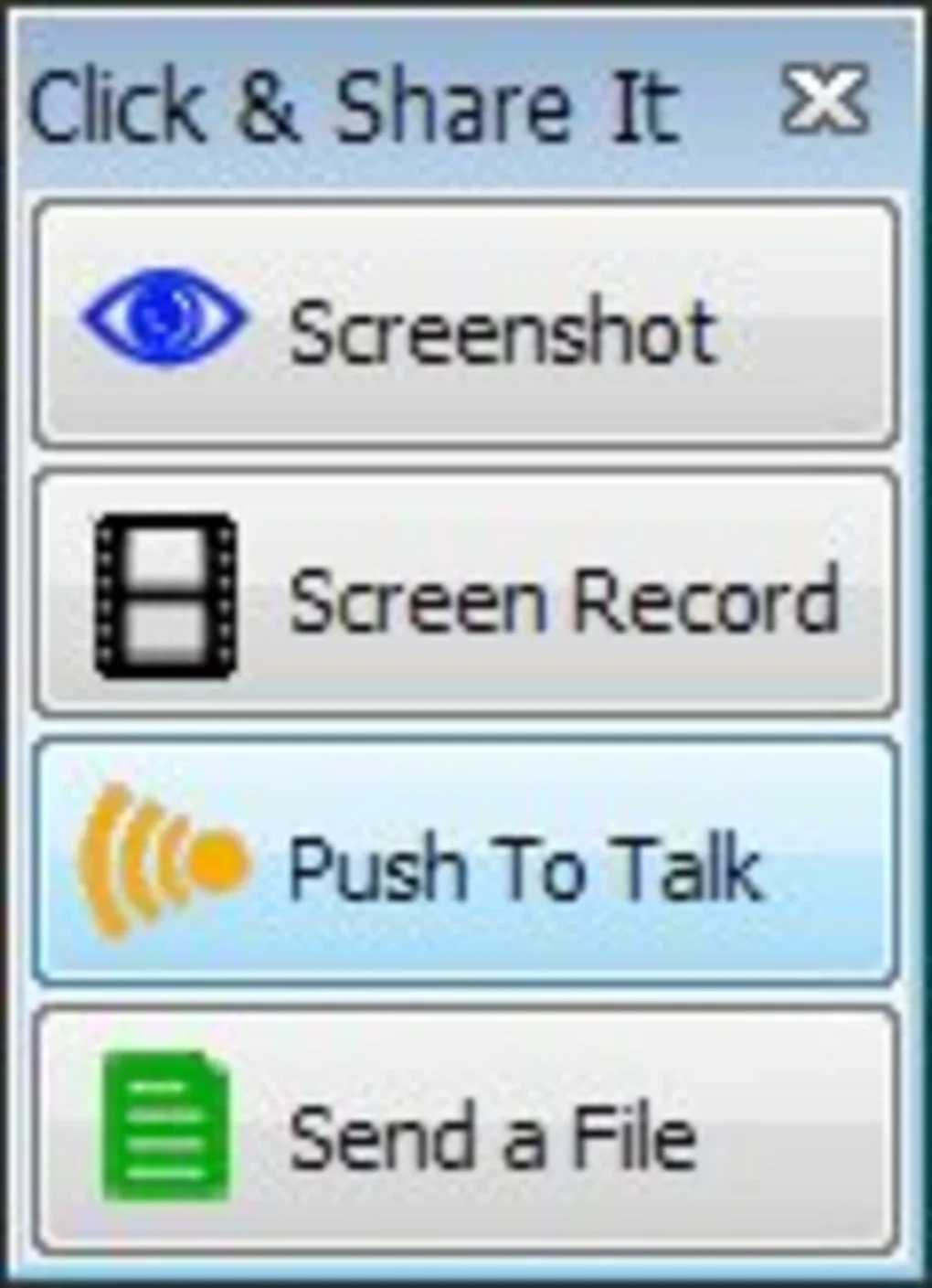
Once installed, the app launches in the system tray (Windows) or menu bar (Mac), waiting silently for your command. To use it, simply right-click the icon and select your desired action: Capture Screen, Share File, or Record Video. For screen capture, choose between full screen, window, or custom region. The screenshot is taken instantly and uploaded to the cloud. A shareable link appears on your screen, which you can copy or send directly via email or messaging apps.
For screen recording, click “Record Video,” select your audio source (if needed), and begin. The recording stops when you click the icon again, and the video is uploaded automatically. File sharing is equally simple—drag a file into the Click & Share It window, and it’s uploaded with a secure link. The entire process takes seconds, making it ideal for real-time collaboration or urgent file delivery.
Compatibility and System Requirements
Click & Share It is designed to work across multiple platforms, ensuring you can share content no matter what device you’re using. It is fully compatible with Windows 7 and later versions, including Windows 10 and Windows 11. Mac users running macOS 10.14 (Mojave) or later can install and use the app without issues. For mobile users, the app is available on Android 8.0 and above, as well as iOS 12 and newer.
The software has minimal system requirements, making it suitable for older devices. It uses less than 50MB of RAM during operation and doesn’t consume significant CPU resources. This lightweight design ensures smooth performance even on low-end machines. The app supports both 32-bit and 64-bit systems, providing broad accessibility.
Click & Share It also supports a wide range of file types, including images (JPG, PNG, GIF), videos (MP4, AVI, MOV), audio files (MP3, WAV), and documents (PDF, DOCX, XLSX). This versatility makes it ideal for educational, professional, and personal use. Whether you're sending a quick screenshot to a colleague or sharing a video tutorial with a remote team, Click & Share It handles all file types efficiently and securely.
Pros and Cons of Click & Share It
- Pros:
- One-click screen capture and file sharing – extremely fast and intuitive
- Supports screen recording with audio – perfect for tutorials and demos
- Automatic cloud upload and secure sharing links – no manual steps needed
- Lightweight and fast – minimal impact on system performance
- Available for Windows, Mac, Android, and iOS – true cross-platform compatibility
- Secure sharing with password protection and expiration dates
- Free to download and use with optional premium features
- Regular updates for improved security and performance
- Cons:
- Free version includes limited cloud storage (1GB per month)
- Advanced features like team collaboration and analytics are only in the premium tier
- Some users may find the interface too minimalistic for advanced customization
- Cloud uploads may be slow on low-bandwidth connections
- No offline mode for viewing shared content
Frequently Asked Questions (FAQ)
-
Can I use Click & Share It on both Windows and Mac?
Yes, Click & Share It is available for both Windows and Mac operating systems. Simply download the appropriate version from the official website and install it. The interface and functionality remain consistent across both platforms.
-
Is Click & Share It free to download and use?
Yes, the basic version of Click & Share It is completely free to download and use. It includes essential features like screen capture, file sharing, and screen recording with a 1GB monthly cloud storage limit. Premium features are available via subscription.
-
How secure is the file sharing process?
Click & Share It uses end-to-end encryption for all uploaded files and sharing links. You can set password protection and expiration dates on links to ensure only authorized users can access your content. All data is stored on secure, encrypted cloud servers.
-
Can I share videos recorded with Click & Share It?
Absolutely. The built-in screen recorder allows you to capture your screen with or without audio. Once recorded, the video is automatically uploaded to the cloud, and you receive a shareable link instantly. Ideal for creating tutorials, presentations, or quick feedback.
-
Does Click & Share It work on Android and iOS?
Yes, Click & Share It offers dedicated apps for Android and iOS devices. You can capture screenshots, share files, and record videos directly from your smartphone or tablet. The mobile app syncs seamlessly with your desktop account for a unified experience.
Conclusion: Why You Should Download Click & Share It Today
Click & Share It is more than just a screen capture tool—it’s a complete, secure, and fast solution for modern digital sharing. Whether you're a teacher demonstrating a concept, a remote worker sending a quick update, or a content creator making tutorials, this software streamlines your workflow and saves valuable time. Its one-click functionality, cross-platform support, and strong security features make it a top choice among file-sharing tools.
With a free version that offers powerful core features and optional upgrades for advanced users, Click & Share It strikes the perfect balance between accessibility and functionality. It’s lightweight, fast, and reliable—ideal for users of all skill levels. If you're tired of juggling multiple apps for screen capture and file sharing, it’s time to simplify your digital life.
Ready to experience seamless sharing? Download Click & Share It now—free, secure, and instantly usable on Windows, Mac, Android, and iOS.
Guides & Tutorials for Click Share It
How to install Click Share It
- Click the Preview / Download button above.
- Once redirected, accept the terms and click Install.
- Wait for the Click Share It download to finish on your device.
How to use Click Share It
This software is primarily used for its core features described above. Open the app after installation to explore its capabilities.
User Reviews for Click Share It 0
No reviews found





